



Choose
Open a category and select one of four album designs.
Professional album design, made simple
Choose a design, preview the direction with 5–7 of your own photographs, then let Mimora design the complete album for you.
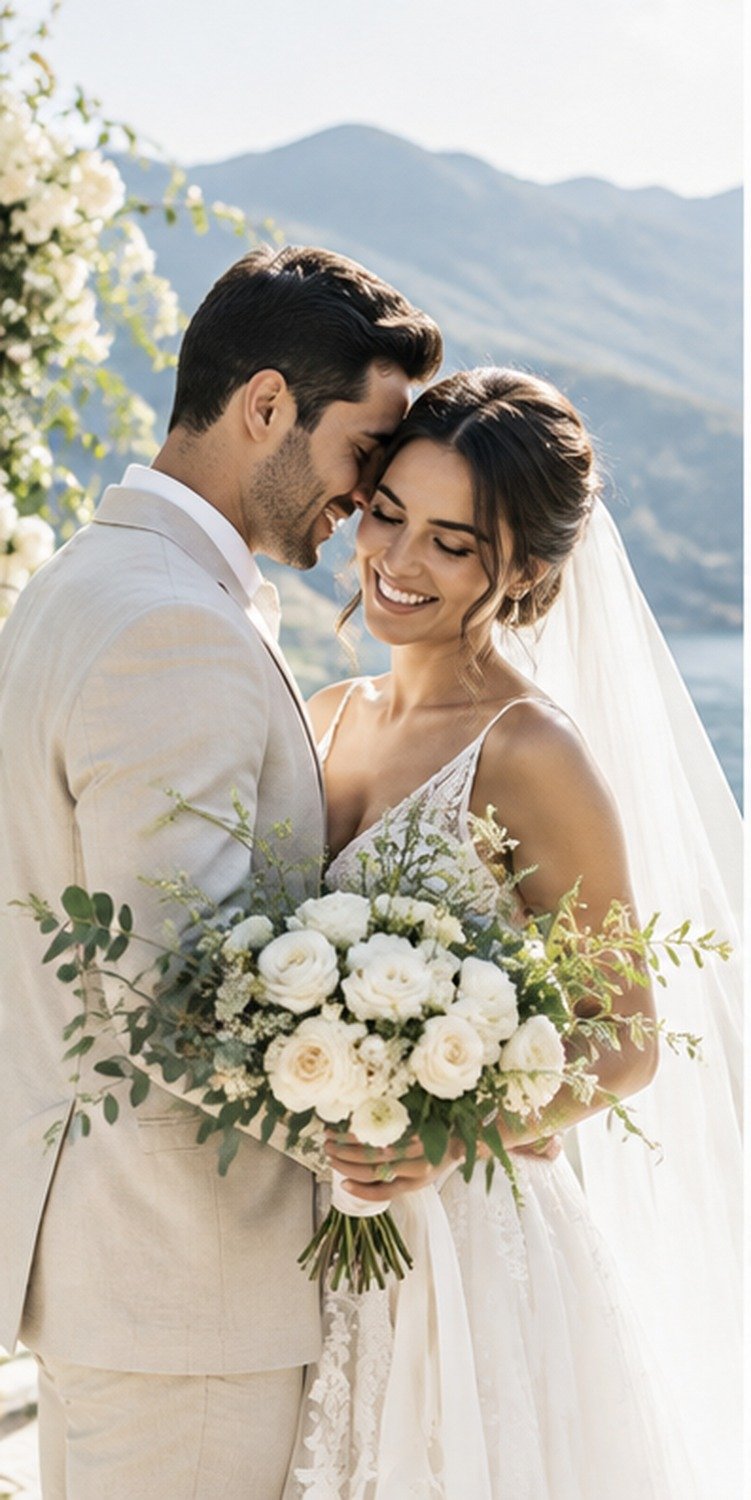
Choose a category
Wedding, Travel, Family, Baby and Portfolio each have four starting designs to explore.
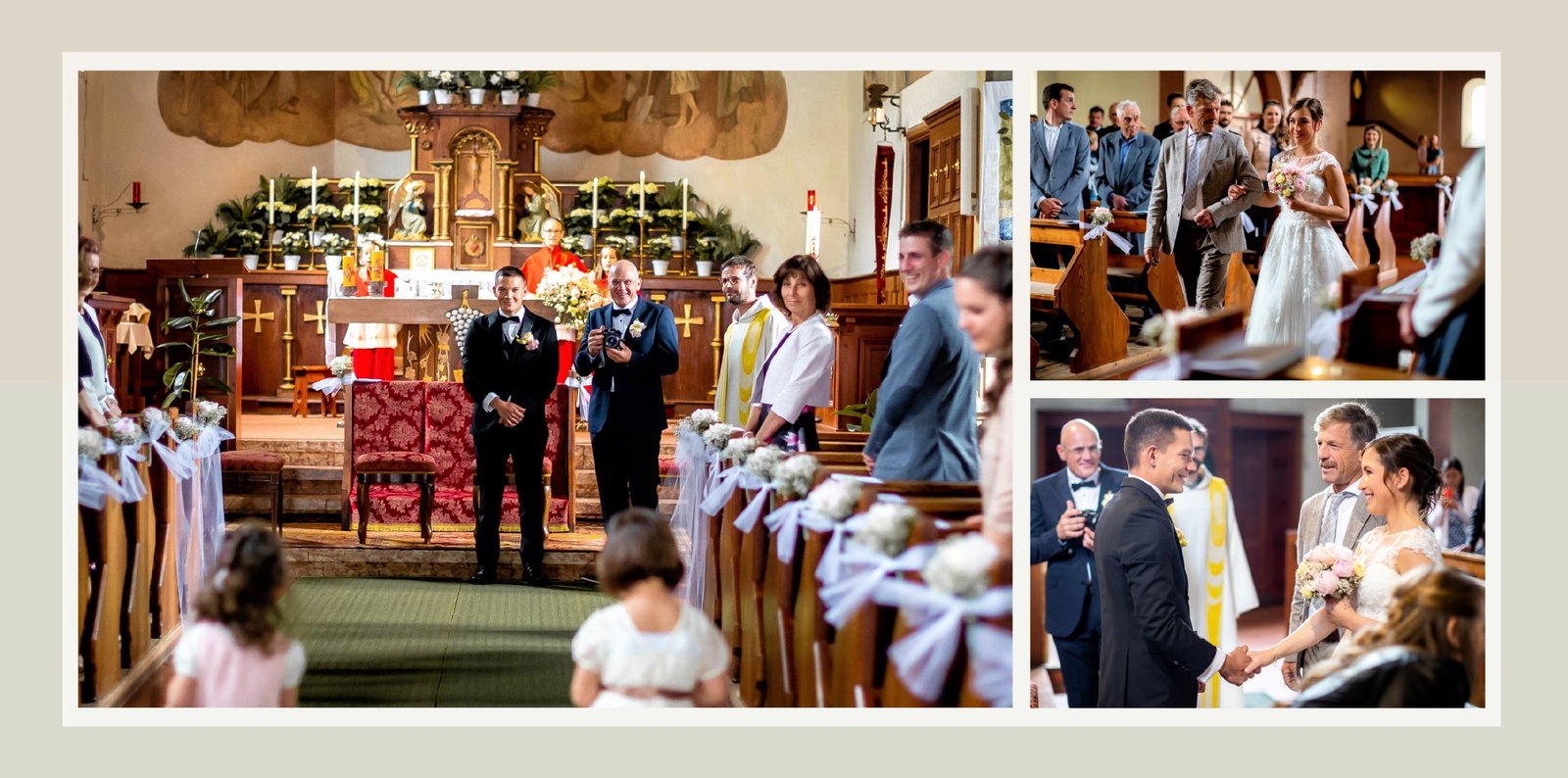
Client-supplied reference
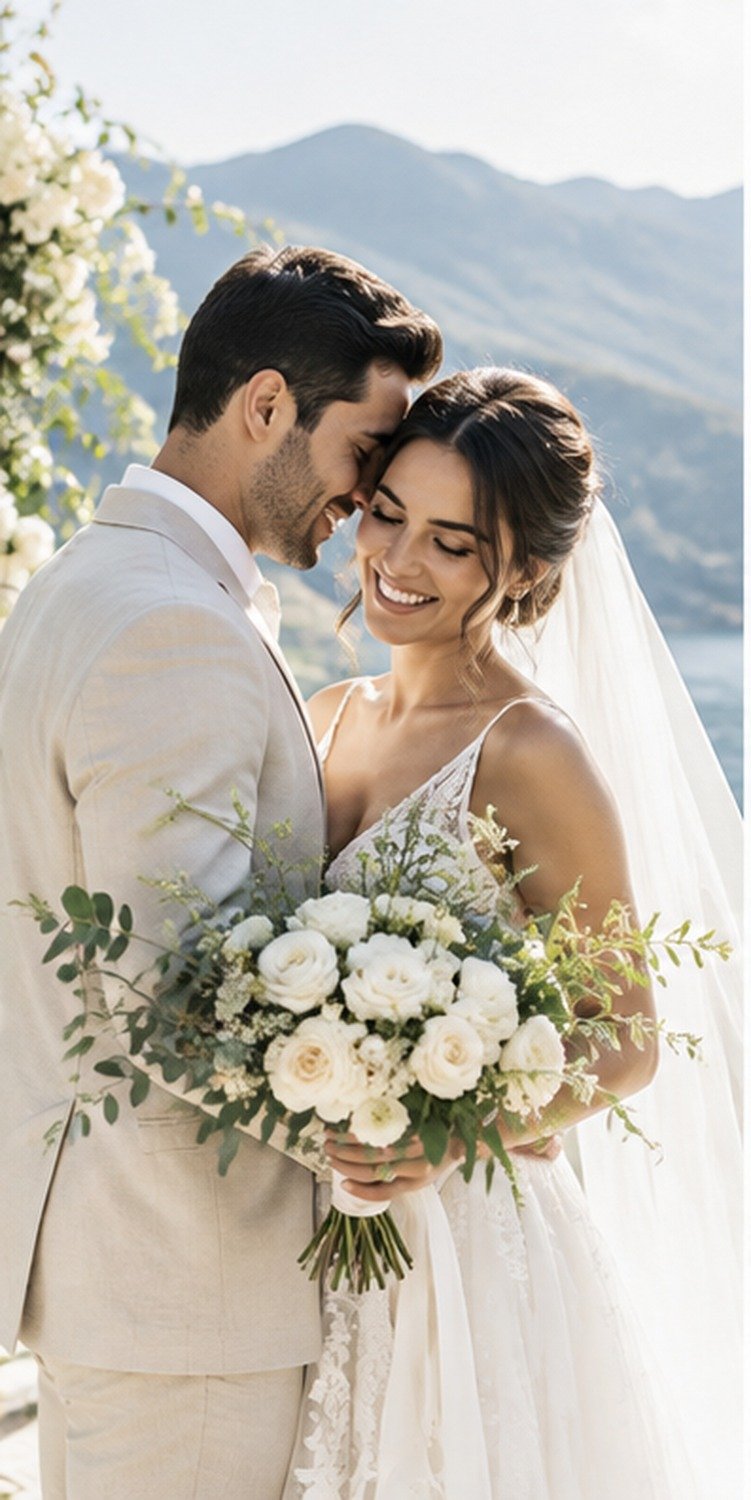
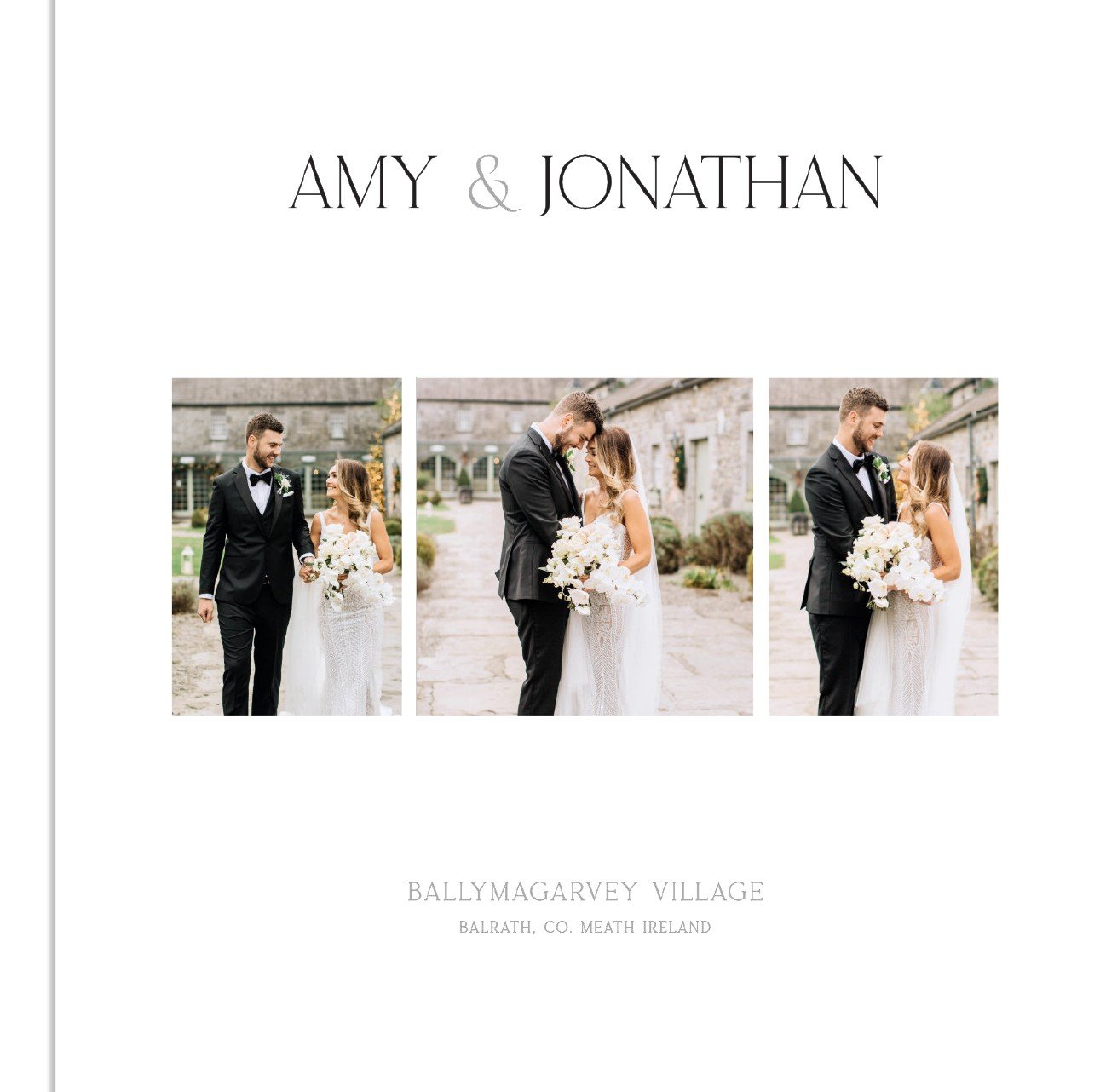
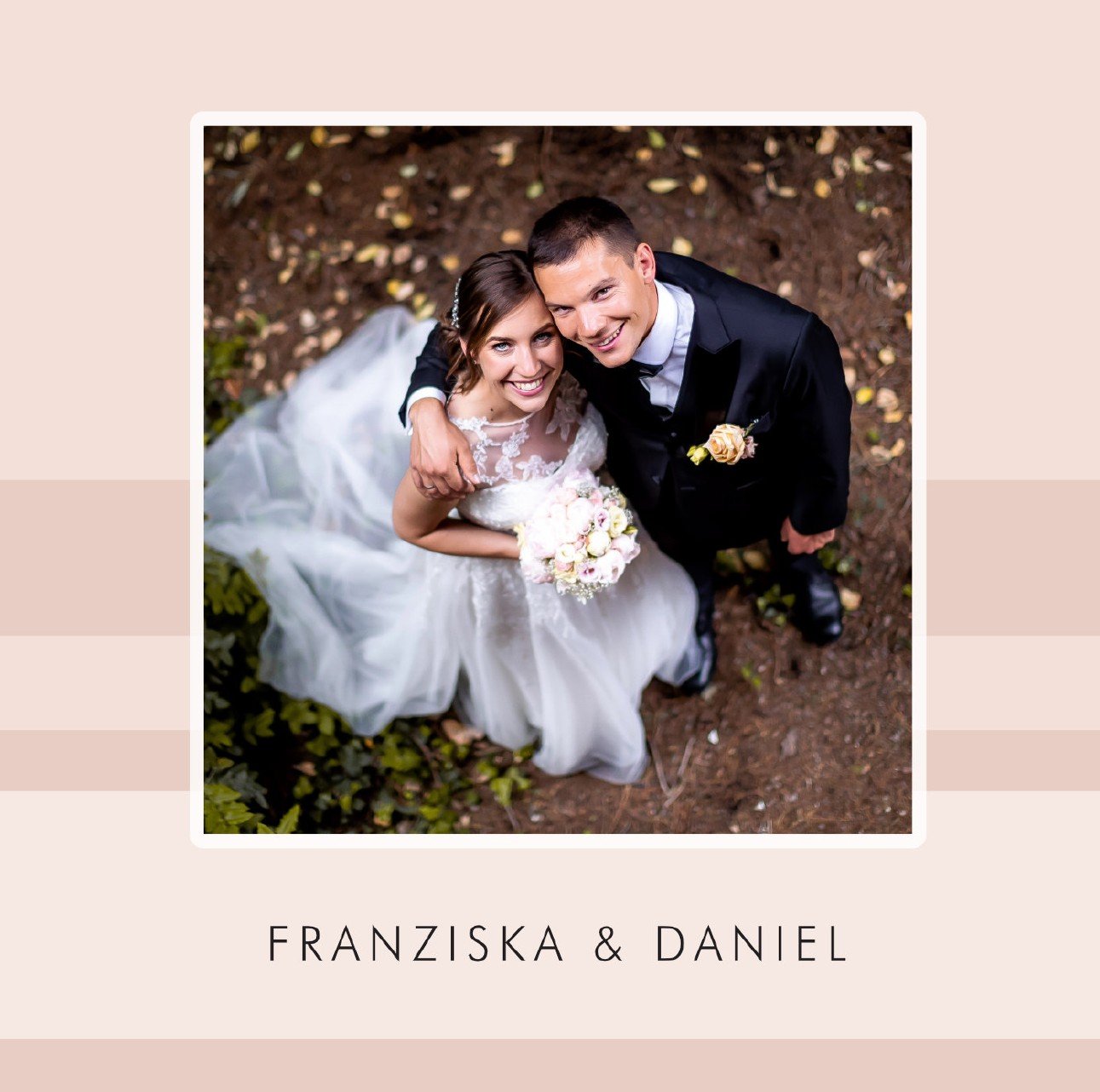
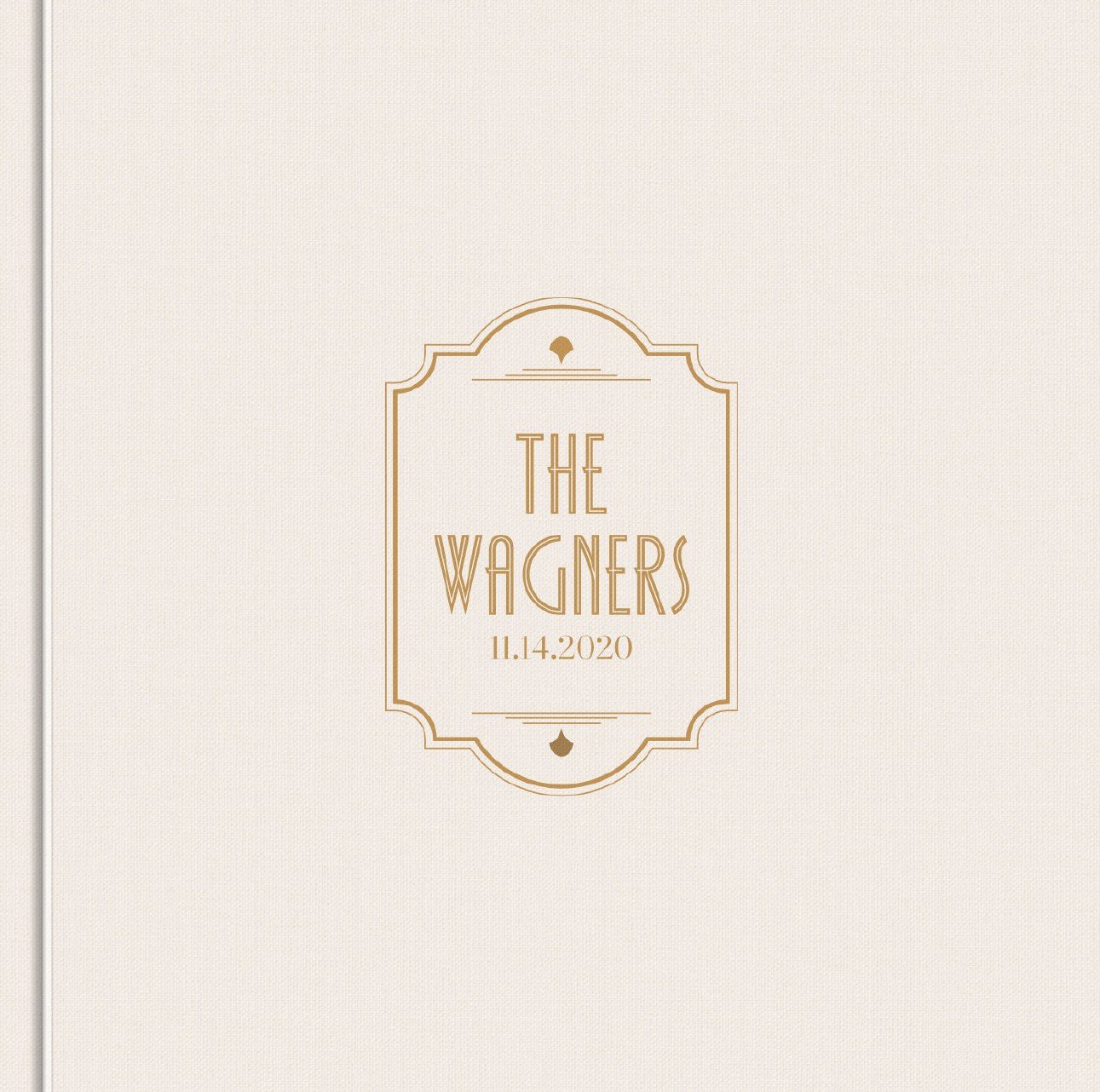
Mimora’s starting styles are based on the supplied Minimalist, Colorblock and Vintage album references, then adapted into category-specific designs.
Browse All DesignsThree visual languages
These are the supplied design references. Every product in the catalogue derives from one of these systems.
How it works
The customer never needs to enter WordPress admin. Mimora’s staff works from a dedicated project panel while the customer stays inside the front-end dashboard.
Open a category and select one of four album designs.
Upload 5–7 photos locally and see them arranged in representative spreads.
Continue to checkout only after the preview feels right.
After payment, send the full photo folder through Drive, Dropbox or WeTransfer.
Mimora uploads the proof. Customer reviews it and can request up to two revisions.
After approval, the final print-ready package appears in the dashboard.
Customer dashboard
Selected design, payment, full-photo link, current stage, proof versions, revision history and final download all stay in one clean interface.
Customer LoginCurrent stage
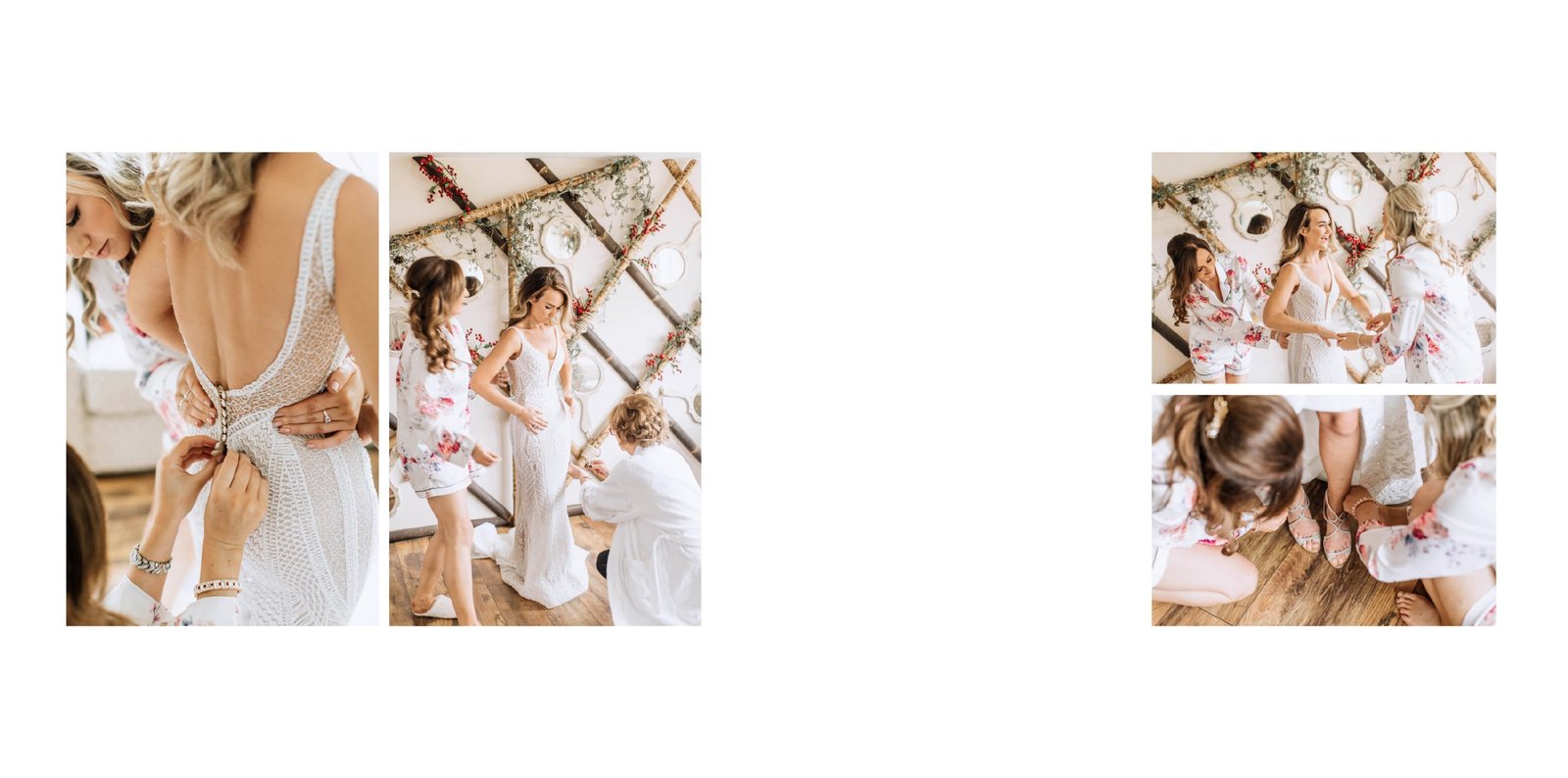
Simple starter price
The product price is pulled from WooCommerce, so Mimora can change it later without editing the theme.
Questions
No. Mimora provides the finished digital album files. You can print them anywhere you choose.
After selecting a design and previewing it with 5–7 of your own photographs.
After payment your dashboard accepts a Google Drive, Dropbox or WeTransfer folder link.
Two revision rounds are included and tracked inside the dashboard.
Ready to begin?